Is It Safe to Connect AI to WordPress? An MCP Security Checklist
Allowing an AI assistant to interact with your WordPress website can save time, but it also creates a new access point that must be managed correctly.
The main question should not simply be, “Is MCP safe?” A better question is, “Has the connection been configured securely for this particular website?”
MCP clients operate through an authorised WordPress user. Use this WordPress MCP security checklist before allowing an AI agent to access a live business website.
1. Create a Separate WordPress User
Do not connect an AI tool using the website owner’s everyday administrator account. Create a dedicated user such as Website AI Assistant.
A separate account makes it easier to limit permissions, review activity, disable access, change the role and remove the connection without affecting other users.
2. Apply the Minimum Necessary Permissions
An AI agent preparing blog drafts normally does not need full administrator access. An Editor account may be sufficient for content tasks, while a custom role may be better for tightly defined requirements.
Only grant the permissions needed for the approved work. This is known as least-privilege access and helps reduce the potential impact of mistakes or unauthorised activity.
3. Use an Application Password
WordPress Application Passwords provide separate credentials for external applications and integrations.
An Application Password:
- Is different from a person’s normal login password.
- Can be named for a particular connection.
- Can be revoked without changing the main password.
- Is designed for programmatic access through systems such as the WordPress REST API.
Never give an AI service or external developer your normal WordPress administrator password when a safer integration method is available.
4. Confirm the Website Uses HTTPS
HTTPS encrypts information sent between a browser, application and website. Your website address should begin with https://, not http://.
A website should not be connected to an external AI service if its login or integration traffic is not properly encrypted.
5. Begin With Read-Only Tasks
The safest starting point is allowing AI to retrieve and review information without changing it. Examples include:
- Listing website pages and published articles.
- Identifying missing or outdated information.
- Reviewing product data.
- Reporting active plugins.
- Finding content that needs attention.
Once the connection has been tested, limited write access can be considered for tasks such as creating drafts.
6. Save New Content as Drafts
AI-created articles, pages and products should initially be saved as drafts. This allows someone to check accuracy, spelling, links, brand voice, product information, pricing, legal statements and calls to action.
Publishing should remain a deliberate human decision rather than an automatic action.
7. Maintain Reliable Backups
Before connecting an AI agent, ensure the website has regular off-site backups. A useful backup system should include:
- Website files and the WordPress database.
- Recent restore points.
- An established restoration process.
- Copies stored separately from the hosting account.
A backup is only valuable when it can be restored successfully.
8. Test High-Risk Changes on a Staging Website
Changes involving plugins, themes, website code, checkout functions or large amounts of content should be tested on a staging copy first. A staging website provides a safer environment where mistakes can be found before they affect visitors or customers.
9. Keep WordPress and Plugins Updated
An MCP connection does not replace normal WordPress security. Continue maintaining WordPress core, themes, plugins, PHP, malware scanning, hosting security and user access. Inactive or abandoned plugins should also be reviewed and removed where appropriate.
10. Know How to Revoke Access
Access should be removable quickly. WordPress Application Passwords can be revoked from the relevant user’s profile without changing the user’s normal login password.
You should also know how to disconnect the MCP service, disable the dedicated user, remove unnecessary permissions, review recent website changes and restore a backup if necessary.
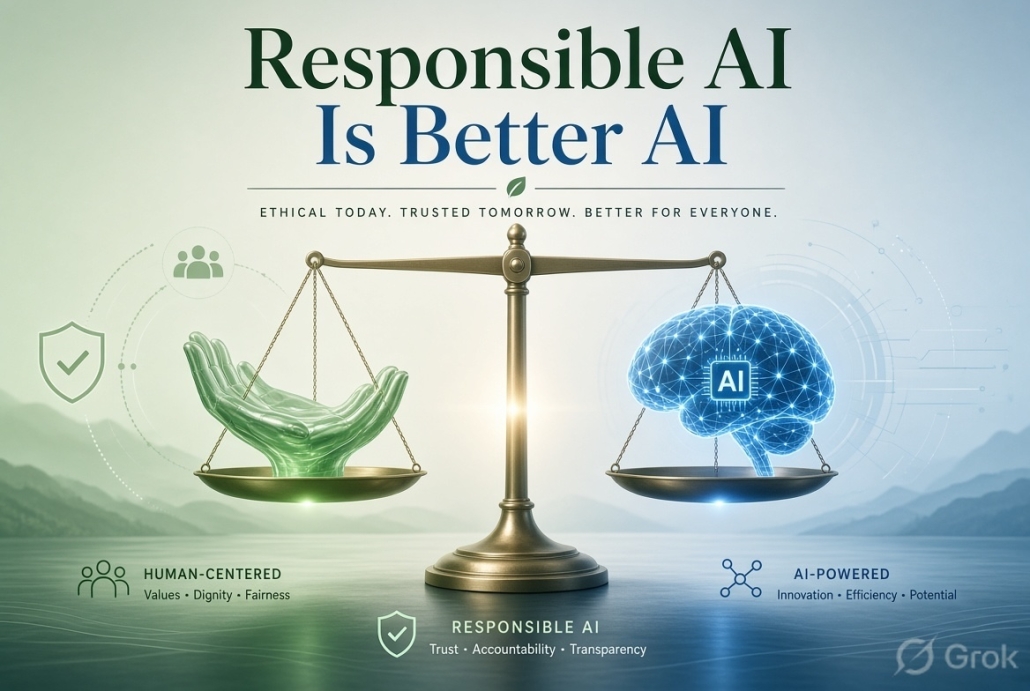
Responsible AI Is Better AI
AI agents can be useful website assistants, but convenience should never override security. Start with limited access, safe tasks and human approval. Expand the available functions gradually after confirming that the connection works correctly.
Get Professional WordPress Assistance
Find Net Solutions can review your WordPress website, hosting, plugins, performance, SEO and AI readiness. Our goal is to help your business use practical technology while keeping your website reliable, secure and manageable.
Talk to Find Net Solutions about a secure, AI-ready WordPress website.