Is Your WordPress Website Ready for AI Agents?
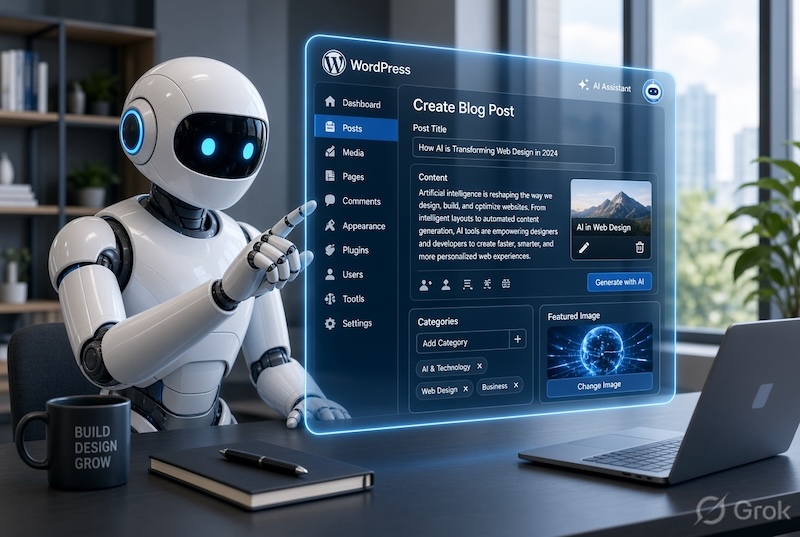
Connecting an AI agent to an outdated, poorly maintained or disorganised WordPress website may create more problems than it solves.
Before installing another plugin or connecting an AI service, review the website itself. Use this checklist to determine whether you have an AI-ready WordPress website.
1. WordPress Is Up to Date
Modern WordPress releases include new capabilities that help plugins and authorised tools communicate in a more structured way. Some basic AI integrations can work through the REST API, while newer plugin abilities may require a recent WordPress version.
Before updating, confirm that your theme, plugins and hosting environment are compatible and that a current backup is available.
2. The Website Uses HTTPS
A secure HTTPS connection is essential for protecting website and integration traffic. Check that:
- Every page loads through HTTPS.
- There are no certificate warnings.
- HTTP addresses redirect to HTTPS.
- Images and scripts do not create mixed-content warnings.
3. The WordPress REST API Is Available
The WordPress REST API allows approved applications to send and receive structured website information. It is also used by the Block Editor and many integrations.
Some security plugins restrict the REST API or WordPress Application Passwords. Those restrictions may need to be adjusted carefully for a trusted integration rather than disabling website security completely.
4. There Is a Reliable Backup System
Create a complete backup before adding MCP plugins or external connections. Confirm:
- How often backups run.
- Where they are stored.
- How long they are retained.
- Who can restore them.
- Whether a recent restoration has been tested.
5. The Website Has a Staging Copy
A staging website is a private copy of the live website used for testing. It is particularly useful when testing new MCP plugins, AI-generated changes, plugin updates, custom code, WooCommerce functions or bulk content updates.
6. User Roles Are Properly Organised
Review every WordPress user and remove accounts that are no longer required. Check for former staff, contractors, duplicated accounts and administrators who no longer need full access.
Create a dedicated account for the AI connection and assign the minimum role required. Content drafting may only require Editor permissions; site administration and plugin management require much greater care.
7. Plugins and Themes Are Maintained
AI cannot compensate for abandoned plugins, an unsupported theme or a website carrying years of technical debt. Review active and inactive software for available updates, compatibility, security issues and continued vendor support.
Remove unused software after confirming it is not required and that a current backup exists.
8. Website Content Is Structured Clearly
AI tools work best when content is organised consistently. Review page titles, headings, categories, tags, custom fields and product information.
Clear structure helps visitors, search engines and authorised AI tools understand the purpose of each page and reduces the chance of changes being applied in the wrong place.
9. High-Risk Actions Require Human Approval
Decide which activities the AI may perform and which must remain under human control. Publishing important content, changing prices, processing refunds, deleting information, installing plugins, editing code and changing security settings should require deliberate review.
Begin with read-only checks and draft creation before allowing broader actions.
10. There Is an Access and Monitoring Plan
Document how the connection works, which WordPress user it uses, what permissions it has and how access can be revoked.
Review activity regularly and know how to revoke the Application Password, disable the dedicated user, disconnect the MCP service and restore a backup if something goes wrong.
Start With a Practical AI Readiness Review
An AI-ready website is secure, well maintained, properly backed up and clearly organised. Connecting AI should be the final step after these foundations are in place—not a shortcut around them.
Is Your Website Ready for AI?
Find Net Solutions helps Australian businesses improve WordPress security, performance, SEO, content structure and ongoing website management.
We can assess your current website, identify practical AI opportunities and recommend a controlled path forward without unnecessary tools or risks.
Ask Find Net Solutions for a WordPress and AI-readiness review.